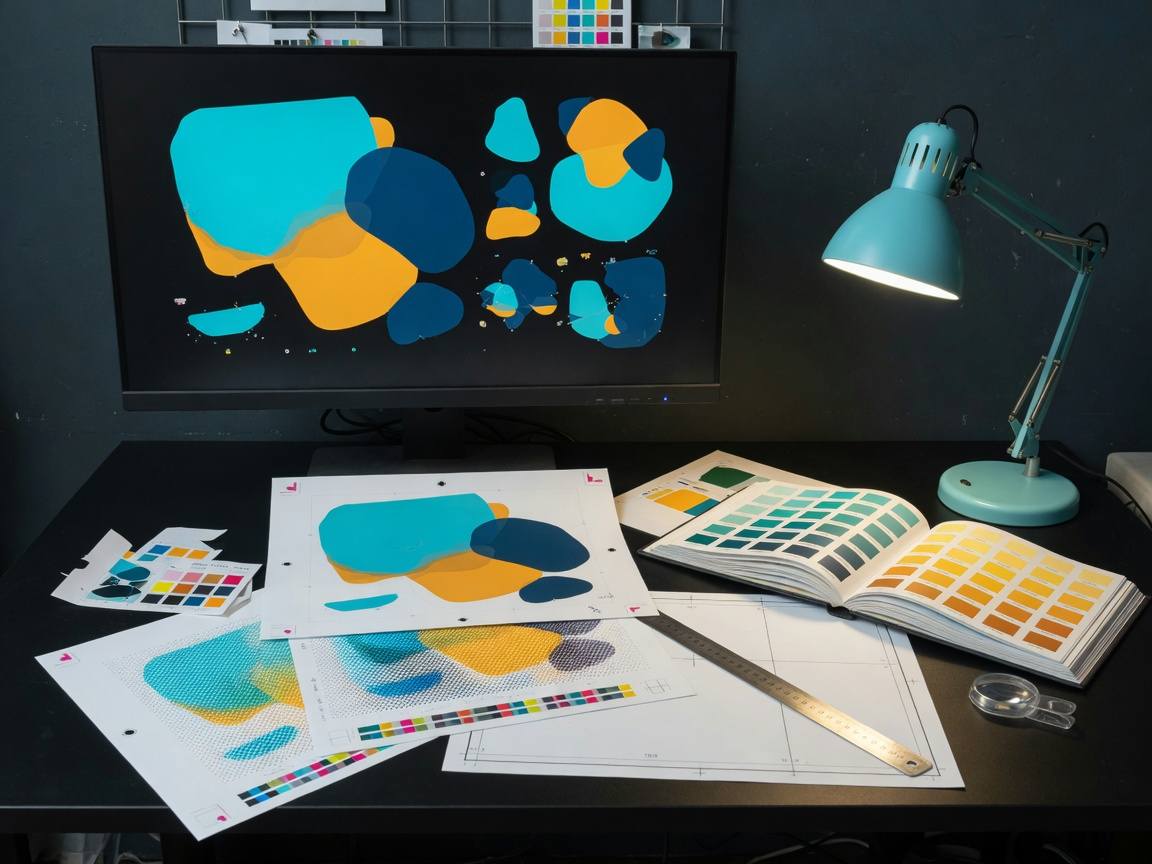
Every trim, every fold, every laminated sheet is a promise that the visible artwork stays where the client approved it. That promise is kept in the file long before the machine runs, with three invisible friends: bleed, safe margins, and border padding.
Bleed is the artwork that extends past the final cut line. Safe margin is the space inside the cut line where nothing important may live. Border padding is the buffer you ask for when the client wants no printed edge touching the physical edge of the product. Get all three right and the cutter becomes irrelevant to your design.
Bleed — the extra millimetres
Print then cut means the sheet may shift by a fraction between machines. Bleed buys you that tolerance. Extend background colours, images, and full-bleed graphics past the physical edge by the studio standard, usually 3 mm, so a slight shift never reveals an unprinted sliver.
Safe margin — the keep-out zone
Inside the cut line, keep text and logos away from the edge. A safe margin gives the blade and the laminator room to breathe, so a tiny misfit never clips a letter or a logomark. This is the number clients thank you for later.
Tip: when a job is trimmed or routed to a physical edge, add a border padding of its own — an even, designed gap that reads as intentional, not accidental.
Checking before RIP
The whole discipline fits on one screen: turn on the trim marks, confirm the background reaches bleed, confirm no content sits inside the keep-out zone, and confirm the padding is even. When those three are true, the file is press-ready in the only way that matters.